
Is It Safe to Put Client Data Into ChatGPT? (Australia)
What the OAIC says about personal information in AI tools, how business and free ChatGPT accounts differ, and the simple rules I give clients.
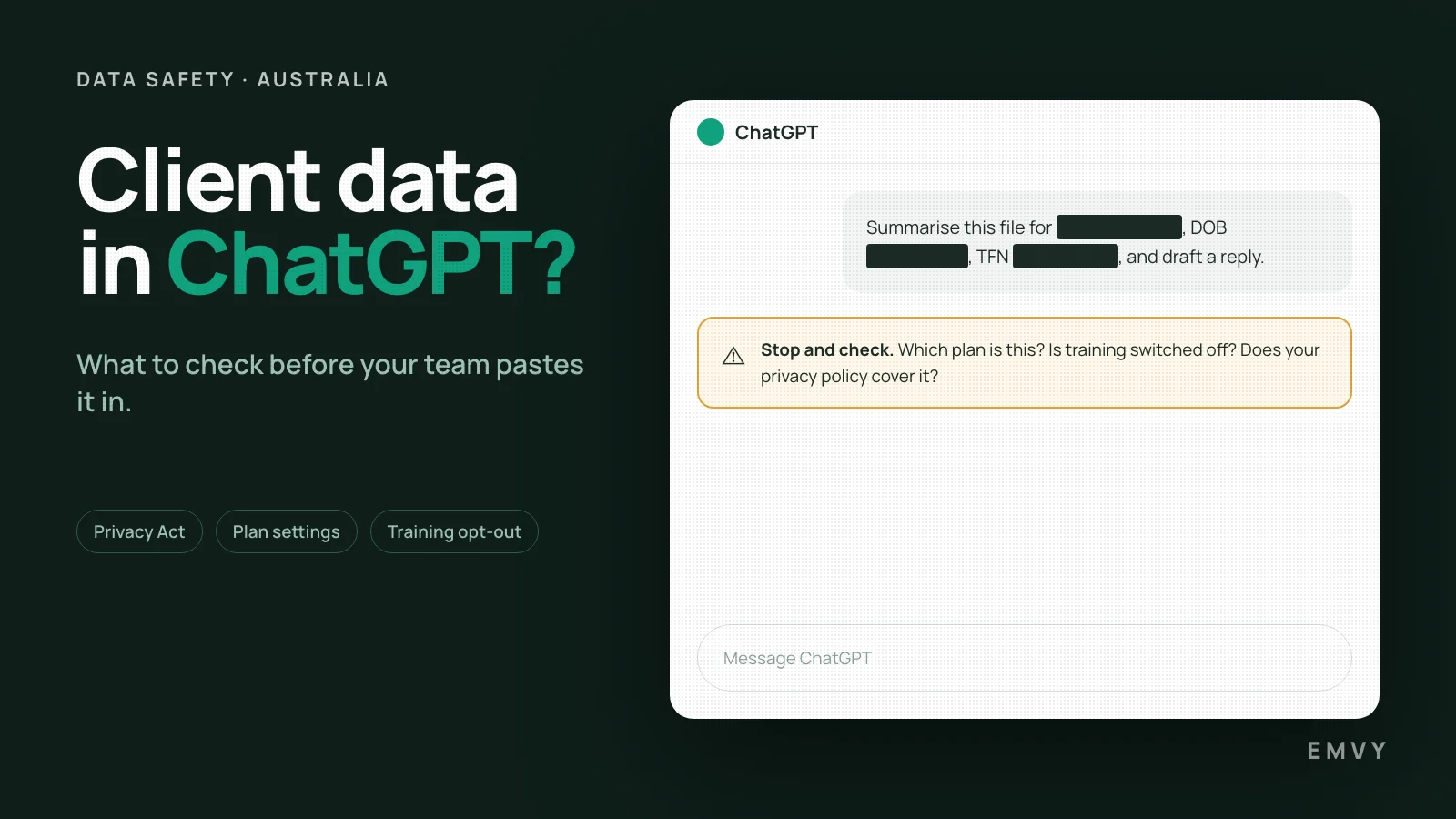
On a free or personal account, I wouldn't. Australia's privacy regulator, the OAIC, recommends that businesses don't enter personal information, especially sensitive information, into publicly available AI tools. Business accounts come with different data terms, but you still need to check the settings and decide what goes in.
What the OAIC says
In its guidance on commercially available AI products, the OAIC says the Privacy Act applies to personal information you put into AI tools. It recommends that businesses don't enter personal information, particularly sensitive information, into publicly available AI tools, because of the privacy risks involved.
If your business is covered by the Privacy Act, that guidance applies to you.
How business and free accounts differ
OpenAI says it doesn't train its models on data from ChatGPT Business, Enterprise, Edu or its API by default (OpenAI enterprise privacy).
On personal ChatGPT Free, Plus and Pro accounts, data sharing is on by default. You can turn off "Improve the model for everyone" in the settings (OpenAI data controls). Most staff never do.
Microsoft Copilot and Google Gemini also come in separate work and personal versions. Check the terms for the plan you actually pay for.
The rules I give clients
- Client work only goes into a business account the business controls, never a staff member's personal one.
- Turn off model training and chat history sharing wherever the plan allows.
- Leave out what the job doesn't need. A quote draft doesn't need a customer's date of birth.
- Sensitive information, like health details, tax file numbers or anything about children, stays out unless you've had proper advice.
- One person owns the account settings and checks them each quarter.
- Write down what the team can and can't put in. A one-page list is enough.
What about Australian hosting?
Ask where your plan stores and processes data. If your contracts or clients require data to stay in Australia, check that before you sign up, not after.
Questions owners ask
Is Copilot inside Microsoft 365 safer? For a business already on Microsoft 365, Copilot works under your existing work account and its settings, which many businesses find easier to manage. Check your plan's terms.
Do I need a privacy policy update? If you use AI tools to handle customer information, your privacy policy should say so. Talk to your lawyer or accountant about your specific case.
If you want help setting up business accounts and a one-page AI policy for your team, book 30 minutes.
Jake