
Which AI Provider Should You Choose for Your Business?
Compare ChatGPT, Claude, Copilot and Gemini for your team's actual work, with clear data checks and a practical pilot before you choose.
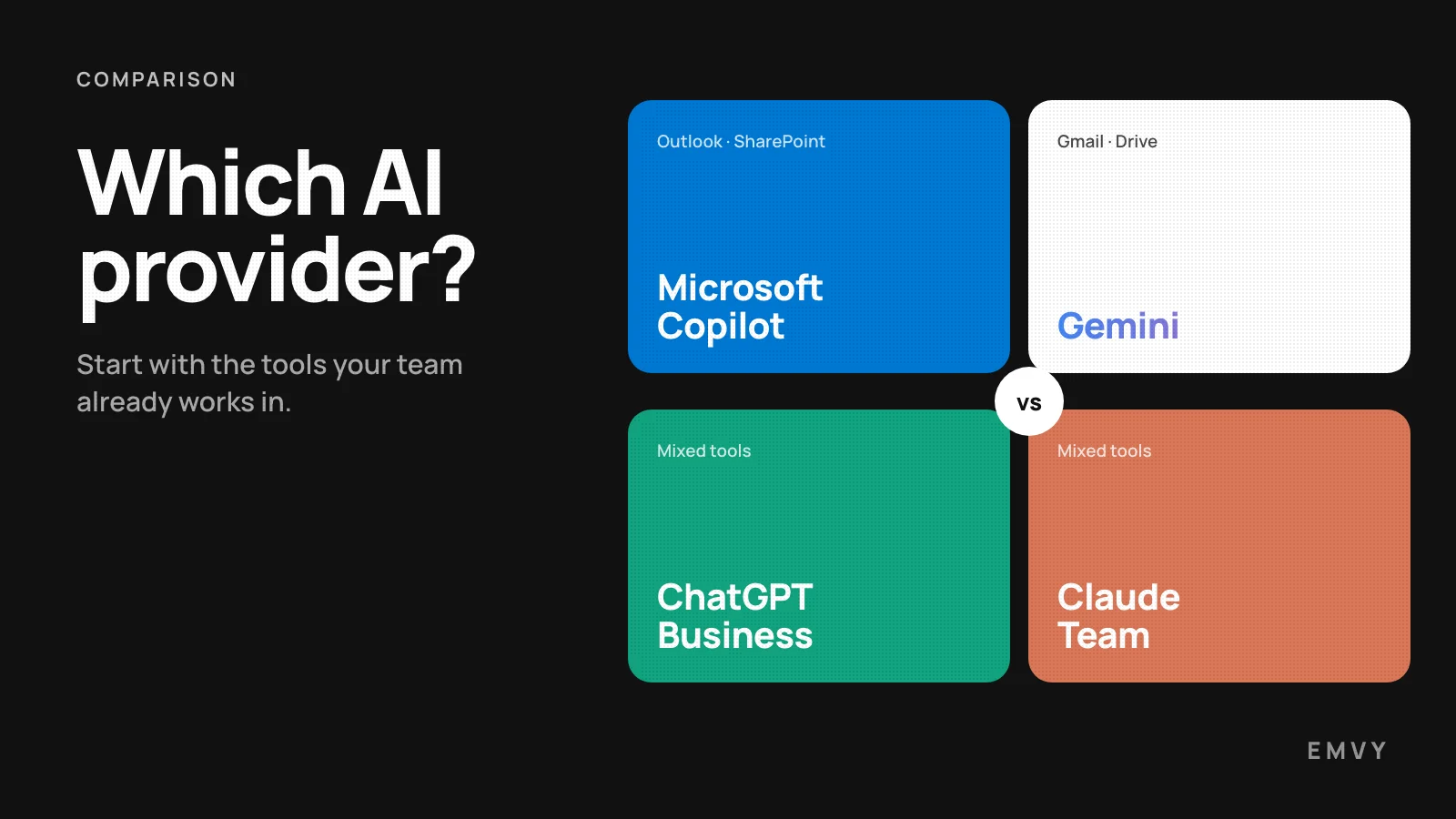
Start with Microsoft Copilot if your team works in Outlook and SharePoint, or Gemini in Workspace if it works in Gmail and Drive. For a team using mixed tools, I'd compare ChatGPT Business and Claude Team on the same actual job before choosing.
The best fit depends on whether it can find the right information and produce work your team can check quickly. A brilliant answer from the wrong document still creates more work.
Are you buying a workspace or a model?
A business workspace gives staff an app, accounts and shared controls. A model API lets a developer connect AI to a system you build or maintain. Buying access to a model doesn't supply the finished staff workspace, document connections or approval process.
OpenAI describes these as separate routes. Choose the workspace first when people need help with everyday documents and email. Consider an API when the job needs a specific integration.
Which one would I shortlist?
| Your team's work | Start here | What to check |
|---|---|---|
| Outlook emails and SharePoint documents | Microsoft Copilot for Microsoft 365 | Can it retrieve the current document under the intended staff account? |
| Gmail threads and Drive files | Gemini in a qualifying Workspace edition | Are the required features enabled for that edition and user? |
| Documents and apps spread across services | ChatGPT Business and Claude Team | Which connects to the necessary sources and needs fewer corrections? |
Microsoft's documentation describes access to emails and documents through existing user permissions. Google's Workspace privacy hub covers Gemini in Gmail, Docs and Drive, with access limited to content the user can access.
Neither replaces a tidy shared folder. If everyone already has access to an old confidential file, adding AI doesn't fix that access.
For mixed tools, ChatGPT's connected apps support information retrieval and, for some apps, actions. Availability depends on plan, region and workspace settings. Claude's connectors also support reads and actions, with owner controls on Team. Its Microsoft 365 connector supports work or school accounts on Team and Enterprise.
I'd try the tool already closest to the work before moving the whole team elsewhere.
Check data terms on the exact plan
For an Australian business, check storage and processing locations against your contracts. An Australian billing address doesn't establish Australian processing.
The vendors' published commitments differ in detail:
- ChatGPT Business doesn't train on business data by default. OpenAI describes workspace retention controls; review the settings available in your account.
- Claude's commercial products don't train on inputs or outputs by default. Saved chats remain until deleted; custom retention controls are an Enterprise feature. Feedback sharing has separate terms.
- Microsoft says prompts, responses and Microsoft Graph data aren't used to train foundation models. Interaction history is stored, with retention policies managed through Purview.
- Google doesn't use qualifying Workspace customer data for model training without permission. Gemini app history and Gemini inside Workspace have different retention controls.
For the Australian context, read client data and ChatGPT.
Try the same job before rolling it out
At EMVY, our shared knowledge sits in a linked wiki inside an Obsidian vault. Reusable job instructions live separately. That gives us a place to check the facts without mixing them up with how a repeated job should run.
Use that distinction in your pilot. Give each shortlisted tool the same anonymised customer question, current policy document and reply instructions. Ask for a draft reply with links to the supporting passages. Keep sending with a person.
This is a pilot worksheet to use, not a result from a test I've run here:
| Record for each tool | What to write down |
|---|---|
| Factual errors | Wrong dates, invented promises or unsupported answers |
| Corrections | What the reviewer changed and why |
| Human review | Minutes spent checking and fixing the draft |
| Access | Whether it used only the intended documents |
| Verdict | Keep, change the setup or reject |
Reject a setup that exposes restricted documents or sends without the intended approval. Then compare the time for the whole job, including checking, with doing it manually.
AI team training should use those real jobs. If you need actions across systems, start with what an AI agent does during a business day.
book 30 minutes and bring one job and the tools your team already uses.
Jake